Drive 除了帮你 save 照片和 video,还有这些强大功能!
1. 查看文档的修改记录
很多人都知道,我们可以把文件上传至 Drive 并对其进行修改。而且,更 geng 的是,你还可以 track 到你的修改记录!只要点击 File , 然后点 see revision history 就可以查看之前 100 次的 edit 了!
2. 查看 Google Drive 活动
不知道别人是不是改了你的东西?
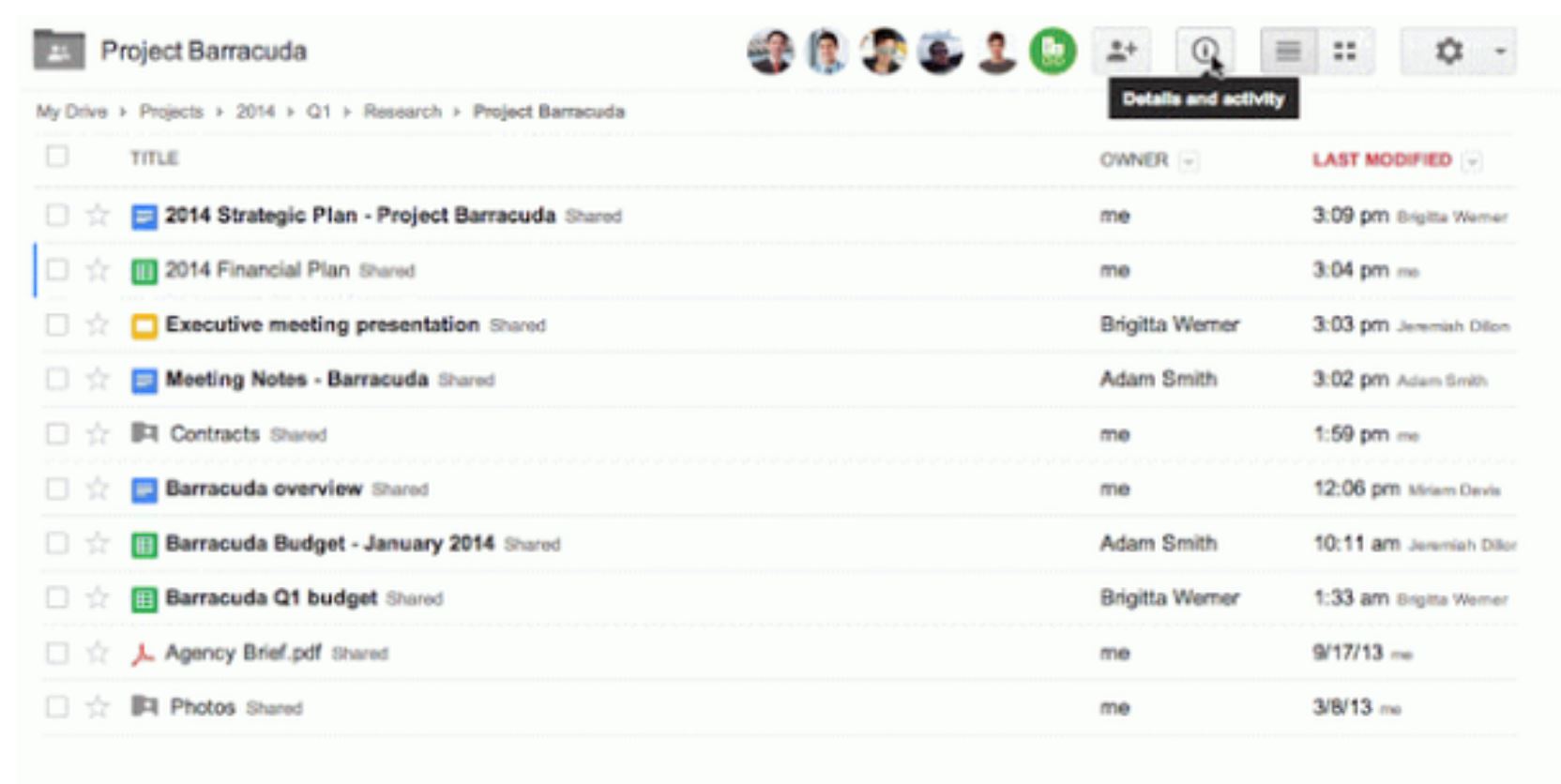
只要打开 Drive 右上角的这个 information icon,你就可以知道谁 edit 过你的东西了!
3. Offline edit doc / sheet
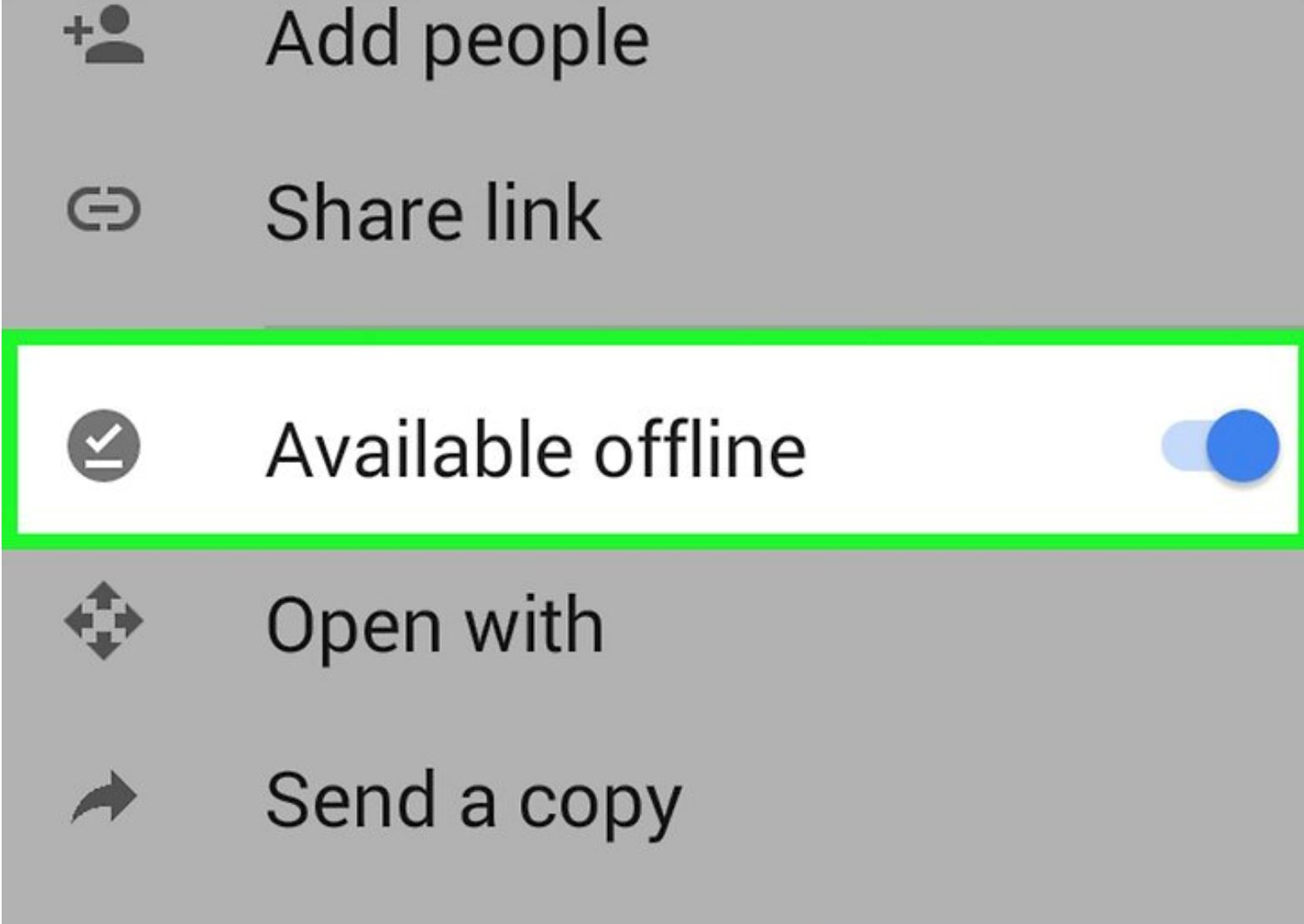
以为 Google doc 只能 online 用?那你就大错特错了!没有网络也能 offline edit ,并且你下次 online 时就会自动更新了。只要在 settings 里开启 make recent files available offline 就可以了!
 4. 剪辑照片
如果想要对图片进行剪辑的话,不用另外剪辑,用 Google Drive 也能做到!在 Google Slides 和 Drawings 里,只要使用 crop icon,就会有很多形状给你选了!
5. 快捷键
以为 Google Drive 里面只有 Ctrl + C 和 Ctrl + V ?其实,Google Drive 还能使用这些快捷键!除了点击 Google Drive 里面的工具图标下的 Keyboard shortcuts,你也可以点击 Shift + ? 看到各种各样的 shortcut 了!
6. 善用插件
比起电脑的 word editor,Google Drive 的功能更强大!在 edit doc 和 sheet 时,你可以通过插件来做更多东西,包括大学生做 assignment reference 一定会用得到的 EasyBib (建立文献目录)或是 translate (翻译成一起语言)。打开文件后,点击 “Add-ons” 下的 “get add-ons” ,就可以添加并使用需要的插件。
7. 发超过 25 MB 的邮件
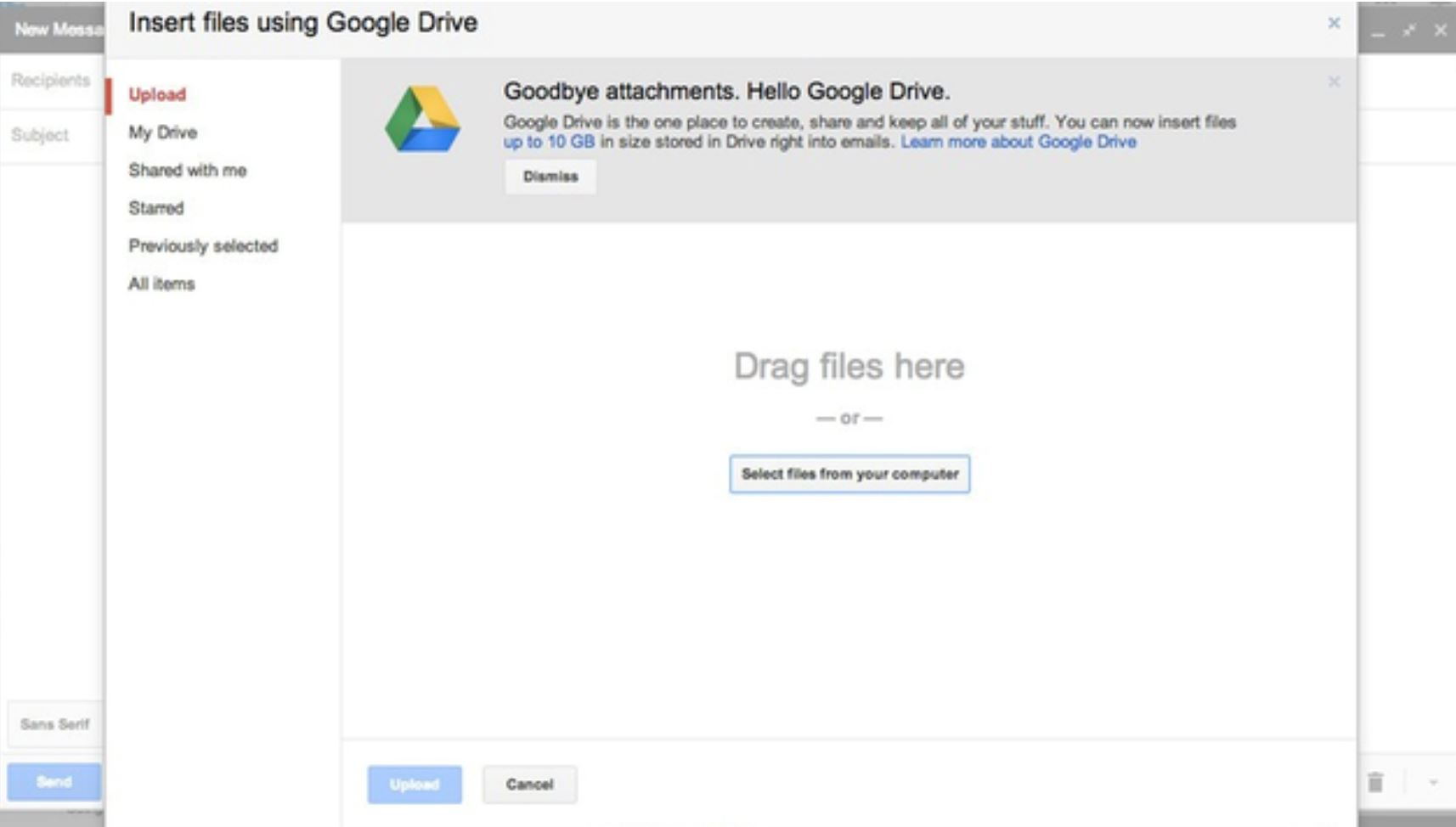
每次发 gmail 的时候,只能发 25 MB 的邮件?现在,只要在发邮件时点击 google drive 的 icon,那就可以把 Drive 里面的 big file 发给别人了!而你的收件人也可以直接把这些文件 download 在 Drive 里。
8. set 不一样的查看权限
每次 share drive 的时候,你知道还可以 set 其他人的权限吗?在添加了他们的邮件后,set 好 “can view”, “can edit” 和 “can comment” 后就可以设置其他人更改或查看的权限了。
完整文:铁饭网Ricebowl
Filled Under :
*本网站有权删除任何具有性别歧视、人身攻击、庸俗、诋毁或种族主义性质的留言。